

Same shelf: Making the first sounds
Songs That Finish: Writing and Arranging
“I have forty good eight-bar ideas and no finished songs.”
262145774
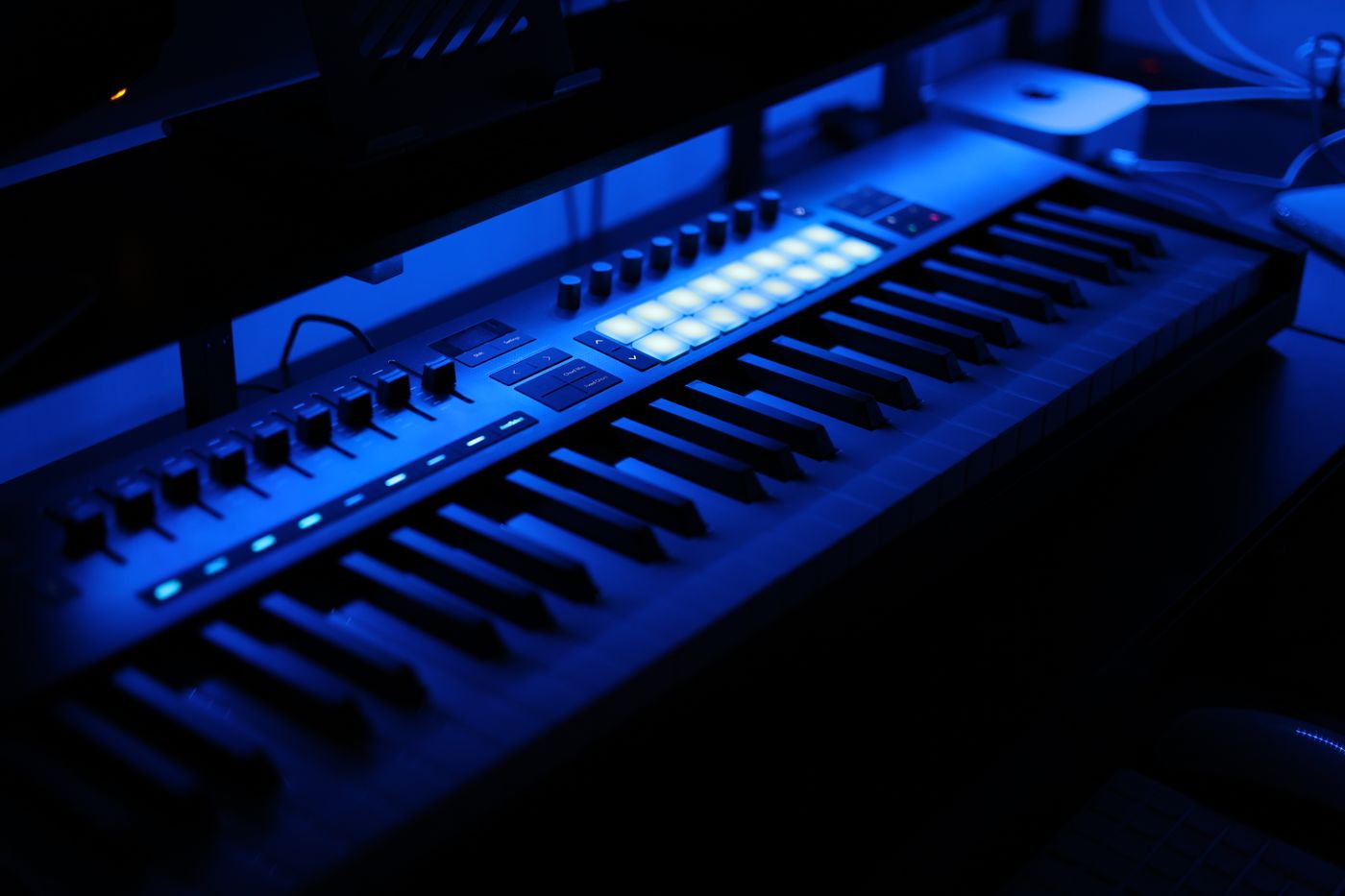
CH 01 · Course
“I only ever scroll presets, and I cannot make the sound in my head.”
The course that answers it
52 lessons · 13 h · 7 units · 24 months of access
What it is
Oscillators, filters, envelopes and modulation, built up one parameter at a time until a patch comes out of your hands instead of a menu.
Running time is how long the video lasts by the end of each unit, at about 15 minutes a lesson.
Unit 01 · lessons 1–6
6 lessons · 1 h 30 min
Running total 1 h 30 min
Unit 02 · lessons 7–13
7 lessons · 1 h 45 min
Running total 3 h 15 min
Unit 03 · lessons 14–21
8 lessons · 2 h
Running total 5 h 15 min
Unit 04 · lessons 22–29
8 lessons · 2 h
Running total 7 h 15 min
Unit 05 · lessons 30–38
9 lessons · 2 h 15 min
Running total 9 h 30 min
Unit 06 · lessons 39–46
8 lessons · 2 h
Running total 11 h 30 min
Unit 07 · lessons 47–52
6 lessons · 1 h 30 min
Running total 13 h
Same shelf: Making the first sounds
“I have forty good eight-bar ideas and no finished songs.”
What comes next: Making it sound right
“It sounds fine on my headphones and awful everywhere else.”
There are 52 lessons in 7 units, 13 h of video in all. At the suggested 3 hours a week that is about 5 weeks of watching. The time you spend trying things yourself comes on top, and you can go faster or slower.
You watch online, streamed through your browser. The lessons cannot be downloaded. Access lasts 24 months, and your access details arrive by email within one working day of payment. If they do not, tell us in the chat and we will look into it.
No. This is a recorded course: there is no tutor and nothing is marked. End-of-unit prompts are answered on screen for your own benefit. If you want to know whether the course covers something before you buy, ask in the chat or use the contact page.